 Evergreen
Every candidate conversation, remembered.
Most of a recruiter's value is in their own network: the people you placed, the ones who were not ready yet, the hiring managers who said call me next quarter. Evergreen keeps what each of them told you on their own page, so the next call starts where the last one ended.
One purchase for Mac, iPhone, and iPad. No Evergreen account. Optional sync is $1.99/month.
Requires macOS 15 or iOS 18 and later.
After the screen, write down what they said
Add the call to the candidate's timeline, then put the details that never fit in a spreadsheet cell into their Markdown notes: what they want next, what would make them move, when to try again.
Set a next action with a date. When the timing is right, search brings the person back with the notes attached, not just a name and a phone number.
Three searches for a sourcing day
Typed tokens stack, and results rank by relevance instead of disappearing when one filter misses.
Every candidate you know at a company you are hiring from or for.
People you have gone quiet on; open one and the notes you wrote are right there.
Follow-ups you owe the people who open the roles.
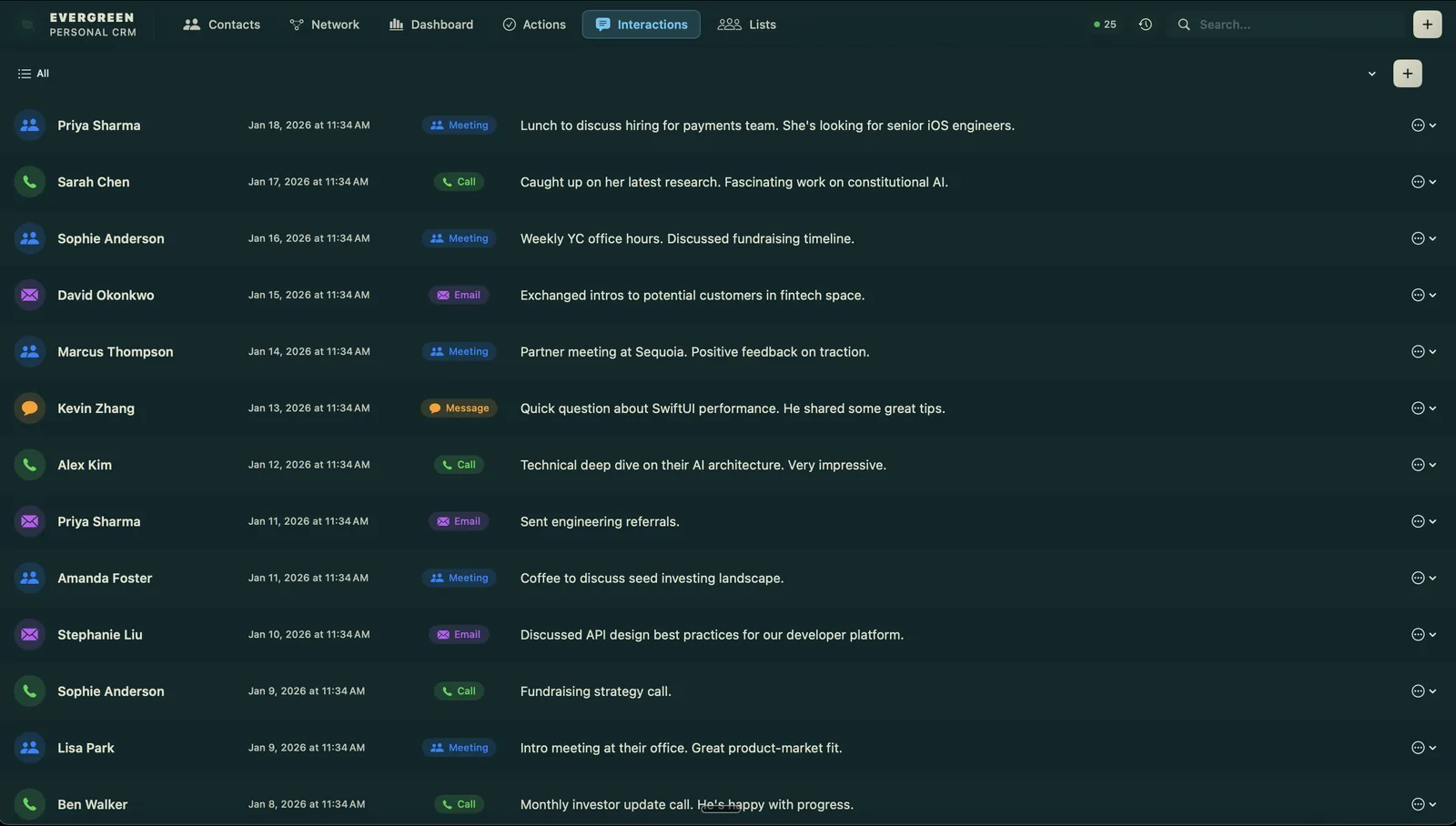
One list per role
Group candidates into lists, for example one per open search, and keep the same person on as many lists as they belong on.
Mac, iPhone, and iPad
The Mac app is the full workstation: the network graph, duplicate detection and merge, import and export, and the MCP server below are Mac-only. The iPhone and iPad app covers search, contact detail, creating and editing a contact, logging an interaction, lists, and completing follow-ups. Moving contacts between your devices uses Evergreen Sync, an optional $1.99/month subscription that runs through your own iCloud; the app is fully functional on a single device without it.
Ask your own AI assistant
On the Mac, Evergreen bundles an MCP server so an assistant such as Claude can read and write your CRM locally, and every agent action is logged. Evergreen runs no server in that path. Your AI client sends what it reads to its own model provider, so check that provider's terms before pointing it at a network.
List my tag:candidate contacts that are stale, with the last note for each.
Where it stops
Evergreen is not an applicant-tracking system. It has no job postings, stages, or shared pipelines, and it is built for one recruiter's own network rather than a team's.
Recruiters: try it on your own network. $9.99 for Mac, iPhone, and iPad.
Get Evergreen for $9.99Keep reading: What is a personal CRM? · Evergreen vs Monica, Mesh, and HubSpot